Anthropic just gave Claude a seat on your Google Meet calls. It listens, takes notes, answers questions in the chat, and builds docs while you talk. Here is what it does, what it keeps, who gets it, and the three checks I'd run before I let it sit in on a single client call.
By Warren Schuitema, AI Systems Consultant, Matchless Marketing / Matchless AI
Published: November 15, 2026 | Last Updated: November 2026

Picture your last client call.
Somebody said, "Can you send me that?" Somebody else said, "Let's circle up on pricing next week." You nodded. You meant to write it down.
Then the call ended, the next one started, and by dinner you were trying to remember who owed what to whom.
So should you let Claude join your business meetings? For internal calls, yes, it's worth a test. For client calls, wait until you've done three things: told everyone it's there, given it one clear job, and decided who checks its notes before anything goes out.
Here's the news. On November 12, 2026, Anthropic launched Claude Meetings in beta. It lets you add Claude to a Google Meet call as a visible participant. Claude takes notes, answers questions you ask out loud or in the chat, and can build documents and whiteboards your team edits during the call. After the call, everything lands on one meeting page.
It's useful. It's also on by default for Claude Team plans, and on Team plans it can join calls with outside guests unless an owner turns that off. That second part is the reason I'm writing this one.
Key Takeaways
- Anthropic launched Claude Meetings in beta on November 12, 2026, for Claude Team and Enterprise plans. It works on Google Meet only for now.
- Claude joins as a visible participant, posts a notice in the call's chat, and saves a transcript, a summary, and screen descriptions. Anthropic says it does not save audio.
- On Team plans, Meetings is on by default, and Anthropic's help page says Claude can join calls with outside guests by default. Check that setting today.
- A July 2026 survey of 500 U.S. workers found 1 in 3 have had an AI notetaker in their meetings, and only about a third of those say they were always asked first.
- My rule: give AI a seat at the table only when everyone knows it's there, it has one job, and a human signs off on what leaves the room.
Claude Can Now Sit In on Your Google Meet Calls
Here's what launched, straight from Anthropic's announcement and its help page.
Who gets it. Claude Meetings is rolling out in beta on Claude Team and Enterprise plans, in Claude and Claude Desktop. It isn't on Free, Pro, or Max plans right now. During the beta, some organizations are left out, including those with zero data retention, HIPAA-ready setups, or customer-managed encryption keys.
Where it works. Google Meet only. Anthropic says other platforms are "coming soon," with no names or dates. If your clients live on Zoom or Teams, this one isn't for those calls yet.
How it joins. You add Claude to a meeting from the Meetings page in Claude, or you turn on auto-join. Auto-join can cover all your meetings or all except one-on-ones. It's your personal setting, and owners can't turn it on for you.
What it does during the call. Claude shows up in the participant list as Claude and posts a notice in the chat. You can ask it questions out loud or in the chat. It answers in writing, and everyone on the call can see the answer. It can also build documents and whiteboards your team edits live. If your team has connected tools, Claude can use those too, with each person's permission the first time.
What it keeps. Anthropic's wording: "It saves a transcript, summary, and screen descriptions, not audio." The meeting page holds the notes, action items, the transcript, and anything Claude made. People from your organization who were on the invite get a recap email. Neither Anthropic page I read says how long transcripts are kept.
What it costs. During the beta, notes, transcripts, and answers that don't use connected tools are included on Team and Enterprise plans. Docs and whiteboards made in a meeting are free through February 10, 2027. Answers that use your connected tools count toward your usage and, in Anthropic's words, "can lead to charges for your organization." No price has been announced for after the beta.
How you stop it. Ask Claude to stop listening, ask it to leave, or remove it from the call.
The Outside Guest Setting Is the One to Check Today
Here's where small businesses need to slow down.
Most of us on a Claude Team plan aren't big companies with an IT department. We're a handful of people. And our most important calls are with people outside the company: clients, prospects, vendors, partners.
On Team plans, Anthropic's help page says Meetings is on by default, and that "Claude can join calls with outside guests by default, and an owner can turn this off." On Enterprise plans, an owner has to allow it first.
To be fair, Anthropic's pages describe this two ways. The announcement says "By default, Claude is set to stay out of calls when someone from outside your organization is invited." The help page's admin settings list the Team default as "allowed." I can't tell you which one your account shows. Go look. It takes two minutes.
When Claude does sit in on a call with outside guests, it listens and takes notes. It posts its notice in the chat but doesn't reply there. What your guests say goes into the notes and transcript. Your guests don't get the meeting page or the recap.
Anthropic's own guidance is plain: "Before you add Claude or turn on auto-join, make sure everyone on your call is okay with being transcribed."
That's the right instinct. But a notice in a chat window is easy to miss. Plenty of people never open the chat on a video call. If your client didn't see it, they don't know.
One in Three Workers Has Already Met a Bot in a Meeting
AI notetakers are already sitting in on a lot of calls.
They're common. In July 2026, the law firm Kolmogorov Law surveyed 500 employed U.S. adults through the Pollfish platform. One in three (33.4%) said an AI notetaker or transcription bot had been in their work meetings. Another 22.4% couldn't say whether they'd been recorded or not.
Most people weren't reliably asked. Among the workers who'd had a bot in their meetings, only 34.7% said they were always asked for permission. Another 36.5% were asked only sometimes. A full 25.1% said the bot simply showed up, with no request at all.
Some found out later. Across everyone surveyed, 18.8% said they discovered a meeting or call had been recorded without their knowledge.
Most people don't know the rules. And 41.8% had no idea recording laws applied to work meetings at all. The survey notes that some states, including California, require every participant's consent.
A fair note on that source. A law firm ran this survey, and the story ties it to a pending lawsuit against another notetaker company. So read the framing with that in mind. The numbers still match what I hear from owners: bots show up, and nobody's quite sure who invited them.
Meanwhile, meetings keep eating the day. Microsoft's Work Trend Index special report, "Breaking down the infinite workday," from June 2025, looked at Microsoft 365 data. For the most interrupted workers, a meeting, email, or chat breaks in every two minutes during core hours. Microsoft found 57% of meetings are ad hoc calls with no calendar invite. Meetings that start after 8 p.m. were up 16% from the year before. And in Microsoft's survey of 31,000 workers in 31 countries, 48% of employees said their work feels chaotic and fragmented.
Put those together and you see why a tool like this is tempting. More calls. More unplanned calls. Later calls. And somebody has to remember what got decided.
A note on Microsoft's numbers, too. They come from Microsoft's own product data, and Microsoft sells meeting software. I still trust the direction. Anyone who has run a business from a kitchen table knows the feeling.
Give AI a Seat at the Table Only When It Earns One
Here's my take, and it's the one idea I want you to keep.
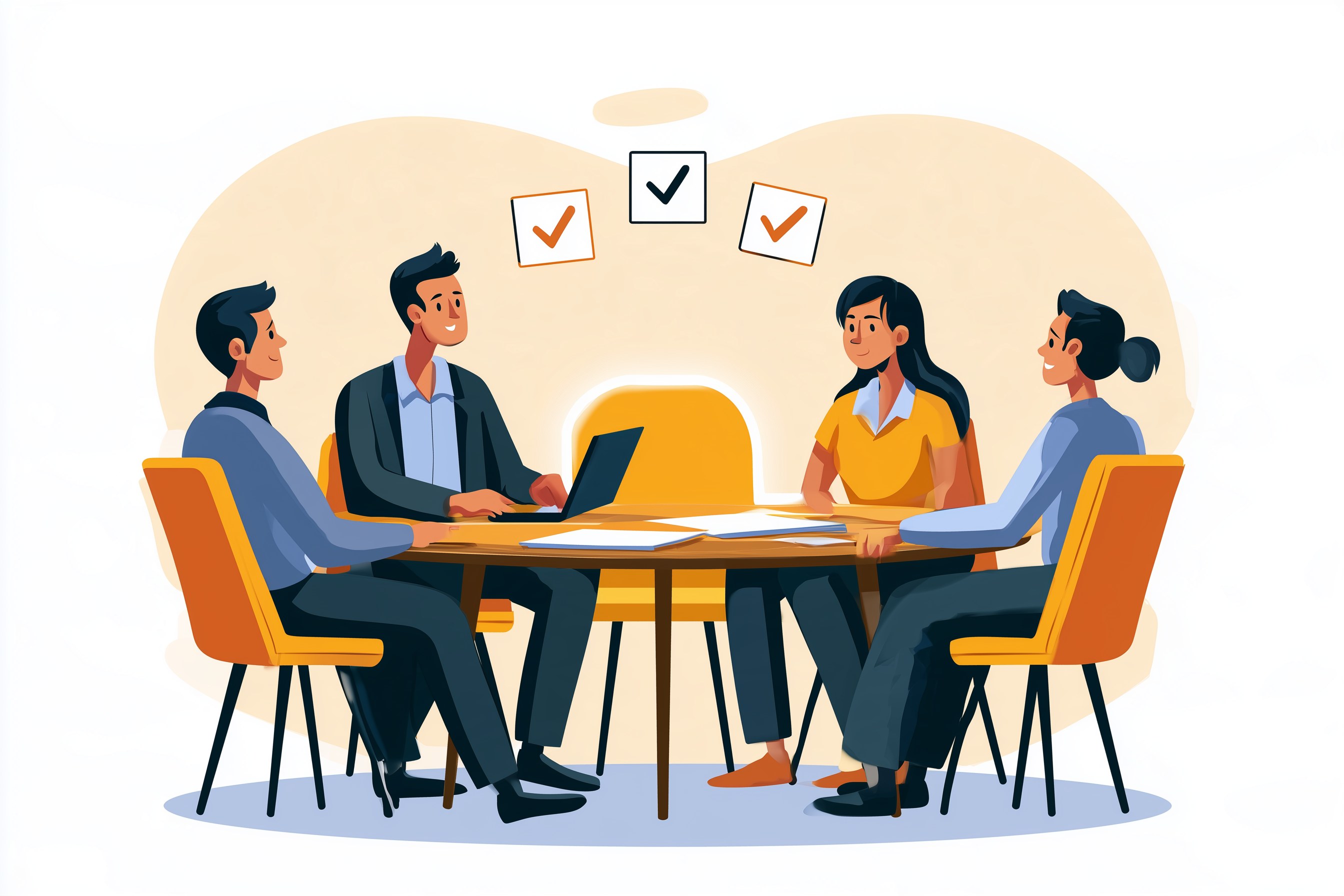
An AI in your meeting is a new person at the table. A quiet one. It hears everything, writes everything down, and never forgets.
You wouldn't bring a stranger into a client meeting without introducing them. You wouldn't let a new hire send the follow-up email without reading it first. And you'd want to know where they keep their notes.
So I use what I call the Seat Rule. Before an AI gets a seat at the table, three things have to be true:
- Everyone knows it's there. Said out loud at the start, and ideally in the invite. A chat notice alone doesn't count.
- It has one job. Notes and action items. Or a draft proposal. Or a whiteboard of the plan. Pick one, so you know what "done" looks like.
- A human signs what leaves the room. Notes, recaps, docs, and anything sent to a client get a human read first.
If any of the three is missing, the AI doesn't get the seat. Simple as that.
The Seat Rule keeps the people in the meeting first. The AI works for them.
My AI Workforce Drafts. I Approve.
I'm not guessing about how this plays out. I already run my business this way.
Matchless Marketing runs day to day on a workforce of AI agents. Each one has a name, one lane, and a written job description. One drafts content. One keeps the numbers. One handles admin. This article started in that system.
The rule that keeps the whole thing safe is one sentence long. My agents draft. I approve. Nothing sends, posts, invoices, buys, signs, or spends without my word.
That's rule three of the Seat Rule, and it matters even more in meetings. A meeting recap feels harmless. But a recap that says "Warren agreed to deliver by Friday" is a promise. If the AI heard "Friday" when I said "maybe Friday," that wrong promise is now in writing, in a client's inbox, with my name on it.
So any recap goes to me before it goes to anyone else. I fix the one line that's off. Then it goes.
My 16 years in manufacturing and supply chain taught me the other half of this. The meetings that move work forward end with clear owners and dates. Who does what, by when. Everything else is conversation.
That's where a tool like Claude Meetings earns its keep. Ask it for the list: every action item, the owner, and the date. Then a human checks the list against what was really agreed.
The same thinking runs our house. Our Digital Wall Calendar replaced a $50 a month subscription and ended the nightly "what's happening tomorrow?" conversation. Why did that work? Because the whole family trusts one board, and one person keeps it right. A meeting page can be that board for your team. But only if someone owns it.
Here's Where Claude Meetings Fits a Small Business
You don't have to decide all at once. Split your calls into three groups.
Internal team calls: good place to start. Your weekly huddle with a VA, a contractor, or a business partner. Everyone's on your Claude plan, everyone can agree up front, and the stakes are low. Turn it on, try it for two weeks, and see if your follow-ups get faster.
Client and prospect calls: only with the Seat Rule. These are where notes help most, and where trust matters most. Tell the client at the start. Offer to leave it off. Read every recap before you send it. If a client says no, thank them and remove Claude. No hard feelings.
Sensitive calls: leave it out. Anything touching health, legal matters, money disputes, hiring decisions, or a client's private details. Anthropic doesn't publish how long transcripts are kept, and your client never agreed to have that conversation saved. Take notes by hand on those.
And watch your tools. If your team connects Claude to email, Slack, or your files, Claude can use those during a meeting with each person's OK. That's handy. It also means a spoken request in a meeting can turn into a real action. Keep connected tools off in meetings until you've tested how it asks.
Here's a quick example to make it concrete. This is a made-up business, not a client story.
Picture a mom who runs a two-person bookkeeping practice from home. She's on Claude's Team plan with her part-time assistant. She turns on Claude Meetings for their Monday planning call only. At the end, she asks Claude for every action item with an owner and a due date. It catches six. One date is wrong, because the assistant said "after the 20th" and the notes say "the 20th." She fixes it in thirty seconds.
For client calls, she adds one line to her invites: "I use an AI notetaker. Tell me if you'd prefer I don't." Two clients say no. She turns it off for them and keeps her paper pad handy.
That's it. Nothing fancy. She got her Monday follow-ups back without surprising a single client.
7 Steps to Set Up Claude Meetings the Right Way
- Check your plan and your platform. Claude Meetings is in beta on Team and Enterprise plans, on Google Meet only. If you're on Pro, Max, or Zoom, this isn't available to you yet. No setup needed, just watch for updates.
- Open your organization settings today. If you're the owner, find the Claude Meetings settings. Decide whether Meetings stays on, and check the "Meetings with external guests" setting. On Team plans the help page lists the default as allowed. Set it to internal only until you've finished these steps.
- Write one consent line for your invites. Something like: "I use an AI assistant to take notes on this call. Tell me if you'd prefer I don't." Add it to your calendar booking page and meeting invites. Then say it out loud when the call starts.
- Turn on auto-join for internal calls only. In your own settings, choose which meetings Claude joins. Start with your internal huddles. Leave client calls as a manual "Add Claude" choice, so you decide each time.
- Give Claude one job per meeting. At the end of the call, ask for the action items list: each task, the owner, and the date. That's more useful than a long summary, and it's easier to check.
- Read before you send. Every recap, doc, or follow-up goes through you before it goes to a client. Compare the action items to your memory of the call. Fix anything that turns a "maybe" into a promise.
- Review the setup in 30 days. Did follow-ups go out faster? Did any client push back? Are you paying for connected-tool use you didn't expect? Keep what saved you time. Turn off what didn't.
Frequently Asked Questions
What is Claude Meetings?
Claude Meetings is an Anthropic beta, launched November 12, 2026, that adds Claude to Google Meet calls as a visible participant. Claude takes notes, answers questions asked aloud or in the chat, builds documents and whiteboards during the call, and saves a transcript, summary, and action items to a meeting page. It's available on Claude Team and Enterprise plans.
Does Claude Meetings record audio?
No. Anthropic says Claude Meetings saves a transcript, a summary, and descriptions of what appeared on screen, but not audio. Those notes and any documents made during the call live on a meeting page in Claude. Anthropic's help page does not state how long transcripts are kept, so treat anything said on the call as saved.
Can Claude join calls with my clients?
Yes, depending on your plan settings. Anthropic's help page says that on Team plans, Claude can join calls with outside guests by default, and an owner can turn this off. On Enterprise plans, an owner must allow it first. Outside guests' words go into the notes and transcript, but guests don't receive the recap.
Is Claude Meetings free?
During the beta, notes, transcripts, and answers that don't use connected tools are included on Claude Team and Enterprise plans. Docs and whiteboards made in meetings are free through February 10, 2027. Answers that use connected tools count toward your usage and can create charges. Anthropic has not announced pricing for after the beta.
Do I need permission to use an AI notetaker on a call?
Get it every time. Anthropic tells users to make sure everyone is okay with being transcribed before adding Claude. Recording consent laws vary by state, and some states, including California, require every participant's consent. Say it out loud at the start, put it in the invite, and ask your attorney about your situation.
The Best Meeting Notes Start With a Fair Introduction
Go back to that client call.
The "send me that." The "let's circle up on pricing." The promise you meant to write down.
Claude Meetings can catch all of it now. It's real, it's in beta, and on Team plans it's already switched on. That makes it worth a test, and worth a two-minute settings check before your next client call.
So treat it like any new person at your table. Introduce it. Give it one job. Read what it writes before it leaves the room.
Then run the test I use on every system in my business and my home. Does it give you back Time, Money, or Energy?
Time, if your follow-ups go out the same day instead of three days later. Money, if fewer dropped action items means fewer lost deals. Energy, because you can listen to your client instead of scribbling while they talk.
If it gives you none of those, take it off the call. You lose nothing. If it does, keep it, and keep your clients in the loop.
The AI takes the notes. You keep the trust. That's A Better Way.
Claude is also moving onto the shop floor with a manufacturing plugin that drafts quotes under the same draft-and-approve rule: Can Claude for Manufacturing Help a Small Shop Quote Faster?
Meeting notes only pay off when the follow-up after the meeting actually goes out. See Should You Let ChatGPT Handle Your Small Business Sales Follow-Up?.
Keep Learning
- Should You Claim Your Business Profile in ChatGPT? Why your AI front desk can only be as honest as the one page of facts you give it.
- Why Does Your AI Agent Forget Your Rules Halfway Through a Long Job? The simple shift-change habit that keeps an AI agent on your rules.
- Should You Let an AI Agent Run Your Small Business Holiday Marketing Campaign? The three approval gates to set before an agent touches your store, your list, or your ad budget.
- How Do You Get ChatGPT and Claude to Remember the Same Things About Your Business? Keep your business facts in one file every AI tool can use.
About the Author
Warren Schuitema is an AI Systems Consultant with Matchless Marketing and Matchless AI. He spent 16 years in manufacturing and supply chain, where he learned that work moves forward when every task has an owner and a date. He runs his business day to day with a workforce of AI agents that draft first and wait for his approval before anything sends, spends, or signs. At home, his Digital Wall Calendar replaced a $50 a month subscription and his Weekly Meal Planner replaced HelloFresh. He helps small business owners and parent entrepreneurs build practical AI systems that give back Time, Money, or Energy, and he is a partner in the Goal Achievers Summit.